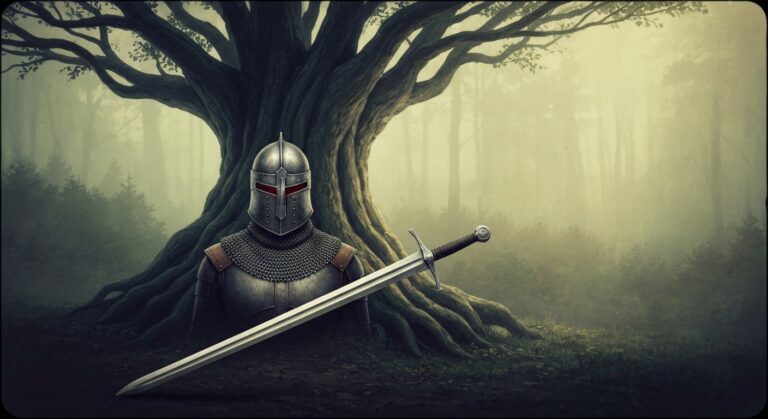
10 Midjourney Tips for Stunning Images 2026
TL;DR: 10 proven tips to get more out of your AI tools. Each tip includes exactly what to do.
1. Use style references
Add –sref [URL] to match the style of a reference image. Consistent branding across all generations.
2. Specify aspect ratios
Use –ar 16:9 for landscapes, –ar 9:16 for mobile, –ar 1:1 for social media. Default is 1:1.
3. Describe what you want, not what you don’t
Positive prompts work better: ‘bright, cheerful’ instead of ‘not dark, not sad’.
4. Use the /describe command
Upload an image and use /describe to get prompts that would recreate it. Great for learning prompt patterns.
5. Control stylization
Use –s 0 for photorealistic, –s 250 for artistic, –s 750 for highly stylized. Default is 100.
6. Use camera terminology
Terms like ’85mm lens’, ‘shallow depth of field’, ‘golden hour lighting’ produce specific photographic effects.
7. Vary and upscale systematically
Generate 4 options, vary your favorite, then upscale the winner. This workflow produces the best results.
8. Use negative prompting with –no
Add –no text, watermark, blurry to exclude unwanted elements from your images.
9. Create consistent characters
Use –cref [URL] with a character reference image to maintain character consistency across multiple images.
10. Batch generate for efficiency
Queue multiple prompts at once. Midjourney processes them in parallel, saving significant time.
Key Takeaways
- Start with the tips that address your biggest pain points
- Practice one new tip per day until it becomes a habit
- Combine tips for exponential productivity gains
- Share useful tips with your team — everyone benefits
FAQ
Do I need a paid plan for these tips?
Most tips work with free plans. We note when a paid feature is required.
How long until I see results?
Most users see immediate improvement. Allow one week of consistent use to build new habits.
Ready to get started?
Try Midjourney Free →Find the Perfect AI Tool for Your Needs
Compare pricing, features, and reviews of 50+ AI tools
Browse All AI Tools →Get Weekly AI Tool Updates
Join 1,000+ professionals. Free AI tools cheatsheet included.